
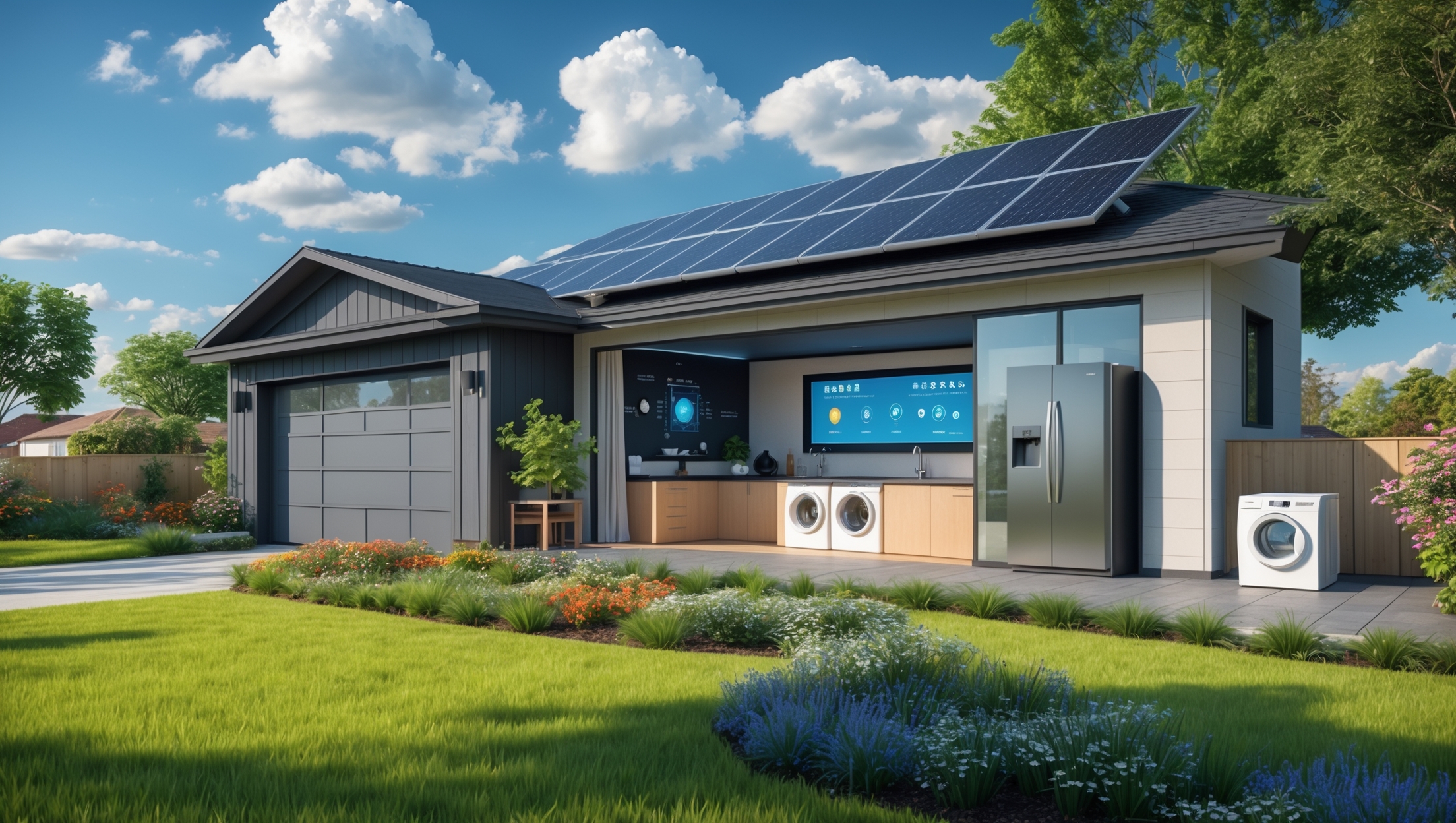
Introduction: The Promise of Smart Energy Management
For many suburban households, balancing comfort, sustainability, and energy costs can feel like an impossible juggling act. While solar panels, efficient appliances, and battery backups are now common sights, the true game-changer lies in how these technologies are orchestrated. Enter the smart energy management system (EMS): a digital nerve center that monitors, controls, and optimizes home energy flows in real time. But what does a full EMS transformation look like in practice? In this case study, we explore the journey of the Martins, a family of four in a typical suburban neighborhood, who set out to retrofit their home with a state-of-the-art EMS. We’ll detail their goals, the planning and installation process, real-world performance data, daily usability, and the lessons they learned. Whether you’re just starting your sustainability journey or looking to maximize your current green tech investments, this deep dive will show you what’s possible—and what to watch for—when upgrading to a smart energy-managed home.
Project Overview: Goals and Initial Audit
Family Profile and Home Specifications
The Martins reside in a 2,400-square-foot, two-story detached house built in 2003 in a temperate-climate suburb. Their household includes two adults working partially from home, two school-age children, one electric vehicle (EV), and a modest backyard garden. Prior to the EMS upgrade, their energy mix included grid electricity, a 5kW rooftop solar array, and a gas furnace for heating.
Motivations and Objectives
- Reduce annual electricity bills by at least 30%
- Increase solar self-consumption and reduce grid reliance
- Prepare for time-of-use (TOU) electricity rates and demand charges
- Support future electrification (all-electric heat pump, induction cooking)
- Monitor and minimize carbon footprint
Initial Energy Audit Findings
- Significant mid-day solar overproduction exported to the grid at low compensation rates
- High evening and early-morning energy use, mostly from grid
- EV charging not optimized for solar generation hours
- Limited visibility into appliance-level consumption
Planning and System Selection
Key Features Sought
- Whole-home energy monitoring (circuit-level, real-time)
- Automated load control (e.g., smart plugs, relays, EV charger integration)
- Solar and battery integration, with forecasting and scheduling
- App-based user interface and customized alerts
- Compatibility with existing and planned appliances
- Open integration with third-party devices and platforms
Vendor Comparison and Budgeting
The Martins compared several commercial EMS offerings, including Sense, Span, Schneider Wiser, and custom solutions using Home Assistant and open-source hardware. Their final choice combined a smart electrical panel (Span), a compatible home battery, and app-based controls, totaling $8,500 (after incentives), with additional budget for professional installation and upgrades to their main breaker panel.
Installation: Step-by-Step Transformation
1. Upgrading the Main Electrical Panel
The 2003-era panel was replaced with a smart panel capable of circuit-level monitoring and remote control. This required:
- Permits and utility notification
- Temporary power shutdown (8 hours)
- Professional electrical work, including labeling and mapping all circuits
2. Integrating Rooftop Solar and Battery Storage
The existing solar inverter and new 10kWh lithium-ion battery were integrated with the EMS, enabling automated charging/discharging based on solar production, forecasted usage, and TOU pricing signals.
3. Smart Load Controls and Appliance Integration
- Whole-home energy monitor setup (instantaneous and historical data)
- Smart relays added to high-draw circuits (HVAC, water heater, dryer)
- WiFi-enabled smart plugs for plug-in devices (media center, dehumidifier, grow lights)
- Smart EV charger configured for solar-priority charging
4. User Interface and Automation Rules
The family used the EMS app to:
- Create load-shedding rules for peak-pricing hours
- Schedule EV charging for excess solar generation
- Set battery reserve thresholds for backup power
- Receive push alerts for unusual usage spikes
Performance: Real-World Results After One Year
Energy Consumption and Savings
- Annual grid electricity purchases dropped by 38%
- Solar self-consumption rate improved from 38% to 82%
- Battery covered 85% of evening peak loads during non-winter months
- Electricity bills reduced by an average of $92/month
Carbon Footprint Impact
- Annual CO2 emissions cut by estimated 2.3 metric tons
- EV charging sourced from solar over 70% of the time
- Gas furnace runtime reduced as HVAC controls prioritized heat pump usage (upgraded in year two)
User Experience and Lessons Learned
- User-friendly app interface with actionable insights
- Initial learning curve in setting automation rules; vendor support and online forums were helpful
- Occasional connectivity hiccups with smart plugs (resolved by updating firmware and router placement)
- Family became more aware of energy habits and seasonal variations
Cost Breakdown: Investment, Incentives, and Payback
- Smart panel & installation: $4,900
- Battery storage (10kWh): $6,800 (minus $2,040 federal tax credit)
- Smart plugs, relays, accessories: $350
- Professional labor: $1,200
- Total out-of-pocket: $11,210
With annual bill savings of roughly $1,100 and projected utility rate escalation, the Martins estimate a simple payback period of 8-10 years, not accounting for increased home value or resilience benefits.
Maintenance and Upkeep
Routine Checks
- Quarterly review of automation rules and energy reports
- Firmware updates for smart devices and app
- Visual inspection of electrical panel and connected devices
- Battery health check via app (monthly)
Troubleshooting Common Issues
- Lost connection: Reboot router, ensure devices on same network
- Unresponsive relay: Power cycle device, update software
- Data anomalies: Cross-check with utility bills, contact support if persistent
Safety Considerations
- All high-voltage work was performed by licensed electricians
- Emergency shutoff clearly labeled and accessible
- Battery installed according to fire, spacing, and ventilation codes
- Regular safety drills reviewed with family (manual override, outage procedures)
Future-Proofing: Scalability and Flexibility
- Modular EMS allows for easy addition of new circuits or appliances
- Open API supports integration with future heat pump, induction stove, and smart thermostats
- Battery capacity can be expanded as needs grow
- Prepared for upcoming utility rate changes and demand response programs
Expert Tips for Homeowners Considering EMS Upgrades
- Start with a detailed energy audit to pinpoint inefficiencies and loads worth controlling
- Choose an EMS solution with robust support, clear documentation, and active user communities
- Prioritize automation for the highest energy and cost impact (HVAC, water heating, EV charging)
- Don’t overlook the role of occupant behavior—engage the whole family in monitoring and goals
- Budget for professional installation and permits, especially for panel upgrades
- Check for local incentives, tax credits, and utility rebates
Conclusion: The Real-World Impact of Smart Energy Management
The Martins’ journey from a conventional suburban home to a smart energy-managed residence highlights the transformative potential of digital energy controls. Their investment not only delivered tangible savings and slashed their carbon footprint, but also fostered a deeper, family-wide awareness of energy use and sustainability. While the upfront costs and complexity may seem daunting, the one-year results speak for themselves: lower bills, greater self-reliance, and a home ready for the future of energy.
If you’re considering a similar upgrade, don’t underestimate the value of a detailed energy audit and careful planning. Choose equipment and platforms with future expansion in mind, and don’t be afraid to seek expert guidance for installation and troubleshooting. As the grid evolves and more homes become both producers and consumers of clean energy, smart EMS solutions will be essential for maximizing benefits—financial, environmental, and practical.
Whether your motivation is cost savings, resilience, or reducing your environmental impact, integrating smart energy management into your home is a step toward a more sustainable, intelligent, and empowered future. The Martins’ case shows that with the right tools and approach, you can transform your energy destiny—one circuit at a time.


Was the installation of the EMS disruptive to their day-to-day life, and how long did the full planning and setup process take from the initial audit to completion?
The installation of the Energy Management System (EMS) was designed to minimize disruption. The family experienced some brief interruptions, mainly during the hardware setup, but these were scheduled at convenient times. From the initial energy audit to the final setup and system walkthrough, the whole process took about three weeks. The team worked efficiently to ensure the homeowners could maintain their normal routines as much as possible.
I’m really interested in the part where the Martins prepared for time-of-use electricity rates. How did the EMS actually help them shift usage or automate things around those rate changes, and was it easy to set up for someone new to the tech?
The EMS monitored the Martins’ local utility rate schedule and automatically adjusted their major appliances, like heating, laundry, and EV charging, to run during off-peak hours when electricity was cheaper. They could also set preferences for comfort or override the schedule if needed. The setup process was guided by a user-friendly app, and the installer helped connect the key devices, so even those new to smart tech found it manageable.
From a budgeting perspective, would you be able to share how the initial investment and any ongoing costs for the EMS compared to the anticipated 30% reduction in annual electricity bills?
The initial investment for the smart energy management system (EMS) in the case study was around $3,500, which covered devices, installation, and setup. Ongoing costs were minimal, mainly related to occasional software updates and maintenance, averaging about $50 per year. With the anticipated 30% reduction in annual electricity bills—roughly $600 saved each year—the homeowners expected to recoup their upfront investment in just under six years, after which the continued savings contributed directly to their budget.
Given the Martins have plans for future electrification, like adding a heat pump or switching to induction cooking, did they size their EMS or solar system with extra capacity, or will those upgrades require another round of electrical work?
The Martins worked with their installer to slightly oversize both their EMS and solar system, anticipating future upgrades like a heat pump and induction stove. However, depending on the exact equipment and energy needs, some minor electrical work or panel upgrades might still be needed when those new appliances are installed. Their current setup should handle moderate increases, but they planned with flexibility in mind.
For homeowners considering a similar EMS upgrade, what was the overall timeframe from the initial energy audit to full operation, and did the project stay within the Martins’ expected budget?
The entire process for the Martins, from the initial energy audit to having their smart energy management system fully operational, took about three months. This included time for consultation, installation, and system testing. The project remained within their expected budget, as careful planning and selecting components that matched their goals helped avoid unexpected costs.
What was the initial budget estimate for the complete EMS setup, and did the final costs end up matching what the Martins had expected?
The article mentions that the initial budget estimate for the Martins’ complete energy management system (EMS) setup was around $12,000. By the end of the project, their final costs were slightly higher, totaling about $13,500, mainly due to some last-minute upgrades they decided to add. Overall, their expenses stayed close to what they had originally planned.
Were there any unexpected challenges during the installation process, especially since their house was built in 2003? I’m wondering if retrofitting an older home comes with unique issues.
Yes, the article mentions that retrofitting the 2003-built house did present a few surprises. One challenge was dealing with outdated wiring that wasn’t initially compatible with some of the smart thermostats and sensors. They also found that some walls lacked the necessary conduits for new cabling, so they had to get creative with wireless solutions in certain areas. These kinds of issues are pretty common in older homes, but the team was able to work through them with a mix of upgrades and flexible technology choices.