
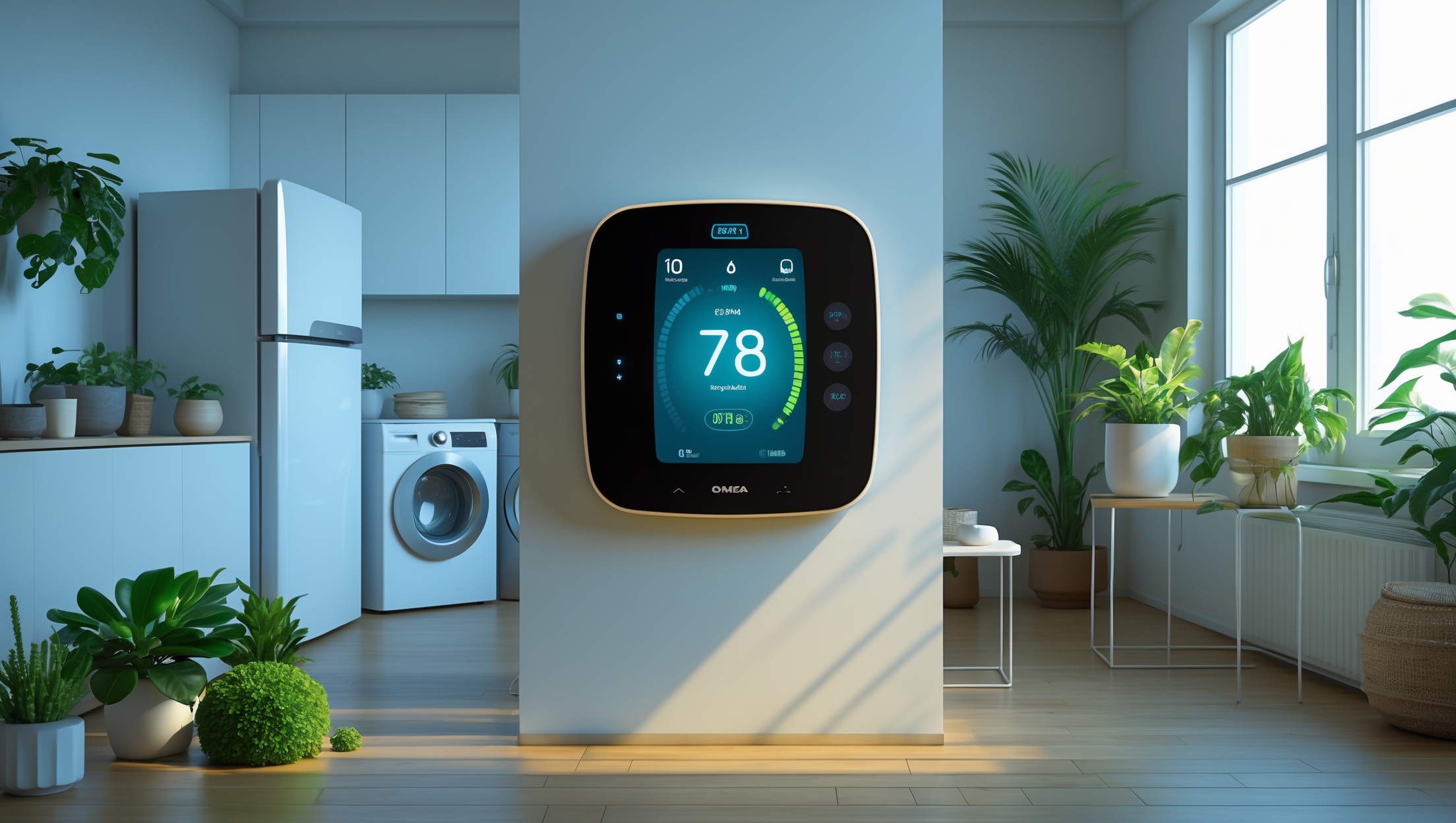
Introduction: Why Smart Thermostats Matter for Sustainable Living
Energy consumption from heating and cooling is one of the largest contributors to residential utility bills and carbon emissions. As sustainable living continues to gain momentum, more homeowners are seeking ways to manage their home’s energy use without sacrificing comfort or convenience. Enter the smart thermostat: an innovative device that not only automates temperature control but also provides detailed insights into your energy habits, helping you reduce waste and costs. With the right smart thermostat, you can tailor your heating and cooling to fit your lifestyle, respond to real-time conditions, and integrate with other green technologies for a holistic approach to energy management.
However, selecting the right model is far from straightforward. The market is flooded with options, each boasting unique features, compatibility requirements, and varying degrees of sustainability impact. This guide is designed to walk you through the tools and equipment considerations essential for choosing, installing, and optimizing a smart thermostat for your sustainable home. We’ll cover what features matter most, how to ensure compatibility with your HVAC system, best practices for installation, and how to unlock maximum efficiency gains. Whether you’re a DIY enthusiast or planning to work with a professional, this guide will empower you to make informed choices that benefit both your wallet and the planet.
Understanding Smart Thermostats: Core Features and Benefits
Key Features to Look For
- Learning Algorithms: Some models learn your schedule and preferences, automatically adjusting for efficiency.
- Remote Access: Smartphone apps and web interfaces allow you to control your thermostat from anywhere.
- Geofencing: Uses your phone’s location to adjust temperatures when you leave or return home.
- Energy Usage Reports: Detailed analytics help you track and optimize your consumption.
- Integration with Smart Home Ecosystems: Compatibility with platforms like Google Home, Amazon Alexa, Apple HomeKit, and IFTTT.
- Humidity and Air Quality Monitoring: Some advanced thermostats monitor indoor air conditions for a healthier home.
- Multi-zone Support: Control different areas of your home independently for personalized comfort.
How Smart Thermostats Support Sustainability
- Optimized Energy Use: Reduces waste by adapting to occupancy and real-time weather.
- Lower Utility Bills: Intelligent scheduling and automation prevent unnecessary heating or cooling.
- Carbon Footprint Reduction: Efficient operation means less energy drawn from fossil fuel-based grids.
- Integration with Renewable Energy: Some thermostats can coordinate with solar or wind systems to maximize self-consumption.
Equipment Prerequisites: Assessing Your Current HVAC System
System Compatibility
Before purchasing a smart thermostat, it’s crucial to verify compatibility with your existing heating and cooling equipment. Most smart thermostats support common systems such as central forced air, heat pumps, and radiant systems, but nuances exist. Check for:
- Low-voltage (24V) vs. Line-voltage (110V/240V): Most smart thermostats are designed for low-voltage systems. If you have electric baseboard heating (line-voltage), look for specialized models.
- Wiring Requirements: Identify the wires present behind your current thermostat. Common terminals include R (power), C (common), W (heat), Y (cool), and G (fan). The C-wire is often required for continuous power; if absent, select a model with a C-wire adapter or use a power extender kit.
- Multi-stage Systems: Some HVAC systems have more than one stage for heating or cooling. Verify that your chosen thermostat can handle these.
- Zoned Systems: If your home uses dampers to control airflow across zones, ensure the thermostat supports multi-zone or is compatible with your zoning controller.
Existing Controls and Equipment
Evaluate whether your system includes additional equipment such as whole-home humidifiers, dehumidifiers, or air purifiers. Not all thermostats can control these devices, so prioritize models with auxiliary equipment support if needed.
Smart Thermostat Selection: Tools, Features, and Top Models
Essential Tools and Pre-Installation Checklist
- Small flathead and Phillips screwdrivers
- Needle-nose pliers
- Voltage tester (for safety, especially with line-voltage systems)
- Wire labels or masking tape
- Drill (if new mounting holes are required)
- Level (to ensure straight installation)
- Smartphone or tablet (for app setup and firmware updates)
- Access to your Wi-Fi network credentials
Leading Smart Thermostat Models for Sustainable Homes
- Google Nest Learning Thermostat: Renowned for its learning capabilities, robust scheduling, and sleek design. Works with most low-voltage HVAC systems.
- Ecobee SmartThermostat with Voice Control: Offers room sensors for temperature averaging, built-in Alexa, and support for additional equipment like humidifiers.
- Honeywell Home T9: Features remote sensors, geofencing, and easy installation with detailed guidance.
- Emerson Sensi Touch: Budget-friendly, highly compatible, and simple to install. Good balance of smart features without complexity.
- Mysa Smart Thermostat: The leading choice for line-voltage electric baseboard and in-floor heating systems.
For in-depth sustainability, look for models with ENERGY STAR certification, which meet strict efficiency standards.
Step-by-Step Setup: From Unboxing to Optimization
1. Power Down and Remove Old Thermostat
- Turn off power to your heating/cooling system at the main breaker.
- Remove the old thermostat cover and take a photo of the wiring for reference.
- Label each wire as you disconnect it using provided stickers or masking tape.
2. Mount the New Thermostat Base
- Attach the base to the wall using the supplied screws. Use a level for alignment.
- Connect the labeled wires to their corresponding terminals. If you lack a C-wire, follow the manufacturer’s instructions for alternate power solutions.
- Secure any unused wires with wire nuts to prevent shorts.
3. Attach Thermostat and Restore Power
- Snap the thermostat faceplate onto the base.
- Turn circuit breaker power back on.
- The device should power up. Follow the on-screen setup process, connecting to Wi-Fi and registering for updates.
4. Configure the App and Integrations
- Download the manufacturer’s app and create an account.
- Pair the thermostat with your smart home devices (voice assistants, automation routines, etc.).
- Set your preferred temperature schedules, enable geofencing, and customize notifications.
5. Run Initial Tests
- Test heating and cooling cycles to ensure system compatibility.
- Check that remote sensors (if used) are communicating.
- Verify that auxiliary equipment (humidifiers, air purifiers) responds to thermostat commands.
Maximizing Efficiency: Pro Tips for Sustainable Operation
Leverage Learning Features and Scheduling
Allow the thermostat to “learn” your routines for a week or two. Fine-tune schedules to reduce heating/cooling when the home is unoccupied or when everyone is asleep. Most models allow for granular weekday/weekend programming.
Utilize Geofencing and Occupancy Sensors
Geofencing can automatically adjust temperature settings as you leave or approach home, ensuring comfort only when needed. Occupancy sensors in remote rooms further optimize energy use by targeting areas actually in use.
Integrate with Renewable Energy Sources
If your home has solar panels or other renewable sources, configure your smart thermostat to prioritize heating/cooling when your system is generating surplus energy. Some models offer direct integration, while others can be set up via smart home automation platforms.
Monitor and Act on Energy Reports
Regularly review your thermostat’s energy usage reports. Look for patterns indicating waste (e.g., frequent temperature swings, excessive runtime) and adjust schedules or temperature setpoints accordingly. Use these insights to educate household members about sustainable practices.
Maintain Software and Firmware Updates
Manufacturers frequently release updates that improve efficiency, security, and compatibility. Enable automatic updates or check monthly for new releases.
Advanced Tools: Accessories and Ecosystem Enhancements
Room Sensors
Expand your setup with wireless room sensors to ensure even comfort and prevent wasted energy in unused zones. Position sensors in bedrooms and living spaces for smarter temperature averaging.
Smart Vents and Air Quality Monitors
Pair your thermostat with smart vents to direct airflow only where needed, or add air quality monitors that can trigger ventilation fans when pollution or humidity spikes.
IFTTT and Automation Routines
Use IFTTT or built-in routines to sync your thermostat with weather forecasts, occupancy sensors, or local utility “demand response” events, maximizing savings and supporting grid stability.
Troubleshooting and Maintenance
Common Issues and Solutions
- No Power: Double-check wiring and confirm correct terminal connections. Verify the circuit breaker is on.
- Wi-Fi Drops: Place your router closer, use a Wi-Fi extender, or switch to a dedicated 2.4 GHz band.
- Incorrect Temperature Readings: Relocate the thermostat away from direct sunlight, drafts, or heat sources.
- Auxiliary Equipment Not Working: Confirm compatibility and double-check installation steps in the manufacturer’s guide.
Routine Upkeep
- Clean the thermostat faceplate and sensors with a microfiber cloth monthly.
- Check for firmware updates quarterly.
- Replace or recharge remote sensor batteries annually, or as needed.
Conclusion: Smarter Control for a Greener Tomorrow
Choosing and implementing the right smart thermostat is a practical and impactful step toward a more sustainable, energy-efficient home. With thoughtful selection and proper setup, these devices can significantly reduce your environmental footprint, lower your utility bills, and enhance comfort for everyone in your household. By leveraging advanced features like learning algorithms, geofencing, and room sensors, you ensure that energy is used only when and where it’s needed—eliminating the waste inherent in conventional heating and cooling systems.
Beyond the immediate benefits, integrating a smart thermostat with your broader green technology ecosystem—such as solar panels, energy storage, and smart appliances—unlocks even greater potential for synergy and savings. Ongoing monitoring and maintenance guarantee that your system continues to operate at peak efficiency, adapting to changes in your lifestyle or the seasons. As smart home technology continues to evolve, staying informed and proactive will allow you to benefit from the latest advancements, further reducing your home’s environmental impact.
Ultimately, the journey to sustainable living is built on many small, intentional choices. By equipping yourself with the right tools and knowledge, you not only support the well-being of your family but also contribute to a healthier planet. Smart thermostats are more than just a convenience—they are a gateway to a future where comfort, savings, and sustainability go hand in hand.


I noticed the article mentions compatibility with different HVAC systems as an important factor when choosing a smart thermostat. How can I check if a particular model will actually work with my older forced air heating system before buying?
To check if a smart thermostat will work with your older forced air heating system, first locate your current thermostat and note the wiring labels and the type of system you have. Most manufacturers offer online compatibility checkers where you can input this information to confirm if their model is suitable. Alternatively, review the product’s specifications for supported systems or contact their customer support for guidance before purchasing.
For DIY installation, are there any common mistakes to avoid or particular steps that are most challenging during the setup process of a smart thermostat?
DIY installation of a smart thermostat can be straightforward, but some common mistakes include not turning off the power before starting, mislabeling or mixing up wires, and failing to connect the C-wire if your thermostat requires it. The most challenging step is often wiring—double-check your system’s compatibility and take clear photos of your old setup before disconnecting anything. Carefully follow the manufacturer’s instructions for the best results.
If I’ve never installed a thermostat before but consider myself a capable DIYer, are there particular tools I should have on hand before attempting to install a smart thermostat? Is there anything about the process that tends to trip people up?
If you’re comfortable with basic DIY tasks, installing a smart thermostat is definitely doable. You’ll want to have a screwdriver set (usually Phillips and flathead), a drill (in case new holes are needed), a level, wire strippers, and possibly needle-nose pliers. Turning off power to your HVAC system at the breaker is very important. Most people get tripped up by wiring—double-check your existing wires and take a photo before disconnecting anything. Also, some systems may lack a C-wire, which smart thermostats often need, so check your wiring in advance.
Could you clarify how to determine if a smart thermostat is truly compatible with specific HVAC systems, especially for older homes with unconventional wiring or dual-fuel setups? The guide mentions compatibility checks but I’d love more detail on what to look for or common pitfalls.
To ensure a smart thermostat is compatible with your HVAC system, start by identifying your system type (single-stage, multi-stage, heat pump, or dual-fuel) and checking if your wiring includes a common (C) wire, which many older homes lack. Carefully match your thermostat’s supported systems and wiring diagrams to your setup. A common pitfall is missing or mislabeled wires—take clear photos of your existing wiring before removal. For dual-fuel systems, look for thermostats that specifically mention dual-fuel compatibility and consult the manufacturer’s compatibility checker or customer support if unsure.
When it comes to all the different features like geofencing and learning algorithms, which ones really make the biggest difference in saving energy for a typical family? I want to be more sustainable but also stay within a reasonable budget.
For most families aiming to save energy and stay on budget, geofencing and learning algorithms are among the most impactful features. Geofencing uses your phone’s location to adjust heating and cooling when you’re away, preventing waste. Learning algorithms automatically adapt to your routines, making temperature changes more efficient. Basic scheduling is also helpful but less dynamic. Prioritize these two features if you’re choosing a smart thermostat for sustainability and cost-effectiveness.
Which smart thermostat features are most essential if my main goal is to lower our household’s carbon footprint rather than just cut costs? There are so many options, and the differences between sustainability impact and convenience aren’t always clear.
To specifically reduce your household’s carbon footprint, focus on smart thermostats with features like adaptive scheduling, geofencing to minimize unnecessary heating or cooling, integration with renewable energy sources, and detailed energy use reports. Look for models that support utility demand response programs, as these help shift energy use to greener times. While convenience features are nice, prioritize those that help automate energy savings and encourage more efficient habits.
I am interested in reducing both energy use and carbon footprint, but I am on a tight budget. Do you have any recommendations for models that balance key energy-saving features without being too expensive?
If you’re looking for an affordable smart thermostat with strong energy-saving features, models like the Google Nest Thermostat (not the Learning version) and the Honeywell Home T5 are good options. They offer scheduling, remote control, and usage reports without a premium price tag. Both are easy to install and work well with most heating and cooling systems, helping you save energy and reduce your carbon footprint on a budget.
I noticed the guide mentions both DIY installation and working with a professional. For someone with basic electrical skills, how complex is the average smart thermostat install in a typical American home?
For someone with basic electrical skills, installing a smart thermostat in a typical American home is usually straightforward. Most models come with clear instructions and labeled wires. The process generally involves turning off power, removing the old thermostat, connecting the new device’s wires, and configuring settings. However, if your system has high-voltage wiring or you encounter unclear wire labels, it’s wise to consult a professional for safety.
You talk about integrating smart thermostats with other green technologies for a holistic approach. Could you share examples of what integrates well in practice, especially for someone just starting with smart home upgrades?
Smart thermostats often integrate smoothly with solar panels, energy-efficient HVAC systems, and smart lighting. For beginners, pairing your thermostat with smart plugs or smart lights lets you automate your home’s energy use and track consumption easily. Voice assistants like Alexa or Google Home also work well with smart thermostats, enabling simple voice controls as you build out your smart home setup.
I’d like to install a smart thermostat in my business, but our HVAC system is a mix of older and newer units. How do I figure out which models are compatible with mixed or legacy systems?
To determine compatibility with your mixed HVAC setup, start by identifying the make, model, and wiring of each unit. Look for smart thermostat brands that specifically mention support for both older and newer systems—many have compatibility tools on their websites. You might also consider models with adapter kits or consult an HVAC technician, as some installations may need additional modules or professional wiring adjustments.
Does the guide explain how to determine if a smart thermostat will work with older or unconventional HVAC systems? I’m concerned about compatibility since my home’s heating setup isn’t standard and I want to avoid buying a device I can’t use.
The guide does address compatibility concerns, including how to check if a smart thermostat will work with older or less common HVAC systems. It recommends reviewing your system’s wiring and specifications before purchasing and suggests looking for thermostat models with broad compatibility or consulting the manufacturer if you have doubts. This should help ensure you pick a device that matches your unique heating setup.
You mention geofencing and learning algorithms as important features. For a busy family with unpredictable schedules, which of these features tends to make the biggest difference in energy savings without sacrificing comfort?
For a busy family with unpredictable schedules, geofencing often makes the biggest difference in energy savings while maintaining comfort. Geofencing automatically adjusts the thermostat when family members leave or return home, so you don’t need to remember to set it manually. Learning algorithms are helpful too, but they work best with consistent routines, whereas geofencing adapts instantly to your real-time movements.
When looking at features like learning algorithms versus geofencing, which one actually makes a bigger impact on reducing energy consumption in your experience? I’m trying to prioritize what’s worth paying extra for.
Both learning algorithms and geofencing can help reduce energy consumption, but in practice, geofencing often has a more immediate impact. It automatically adjusts your thermostat when you leave or return home, ensuring you’re not heating or cooling an empty house. Learning algorithms are great for gradually optimizing schedules, but geofencing responds directly to your presence, which tends to save more energy day to day. If you have a changing routine, geofencing is usually worth the extra cost.